Staff ID and Internal System Photos: Size, Background and File Handover
For staff ID and internal system photos, what matters is a consistent spec and files that map to the right person. Before the shoot, get four requirements from IT or your card vendor: aspect ratio and pixel size, background colour, file format and size limit, and file-naming format. With those confirmed in advance, ID photos can be taken in the same session as website headshots and delivered in separate crops.
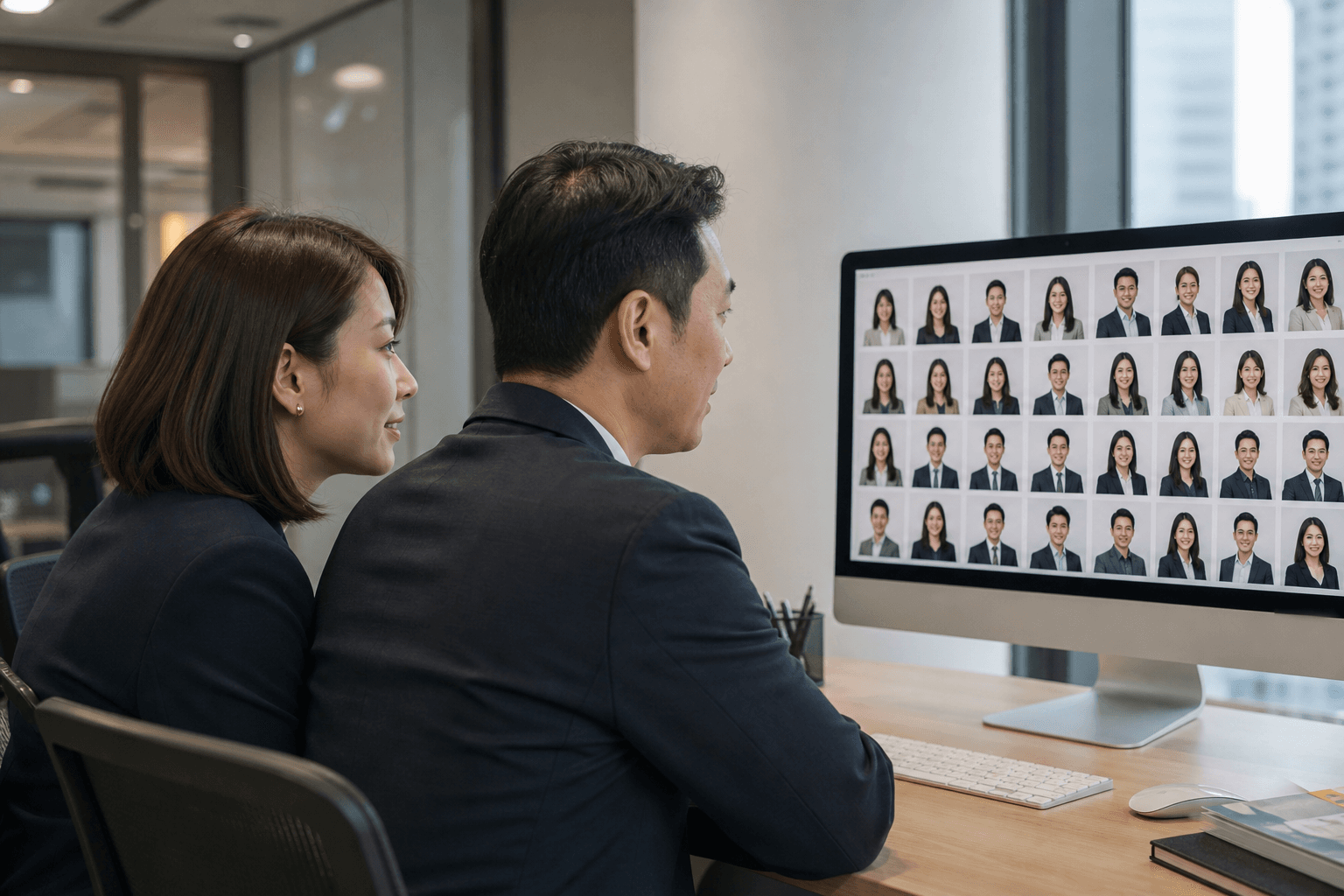
When a company replaces its access-control system, moves to a new HR platform, or reissues staff cards for everyone, HR often has to collect dozens or hundreds of matching photos quickly. Asking colleagues to submit their own usually produces mixed backgrounds, lighting and sizes, which IT then has to fix one by one. A single organised shoot solves that, provided the spec is settled before anyone is photographed.
How ID photos differ from website headshots
An ID photo is for identification: front-facing, natural expression, a clear face and a plain background, so the person is still recognisable when printed on a card or shown small in a system.
A website headshot is for presentation: framing can be looser, and angle, posture and background can reflect the company's image.
The two have different requirements but do not conflict. One session can serve both, as long as that is decided before the shoot rather than by cropping afterwards.
Size and ratio: ask IT or the card vendor first
Staff card photos are generally portrait-oriented, in a ratio close to a passport-style photo. Avatars in intranets, email and collaboration tools are mostly square and shown as a circle. Requirements vary widely between systems, so your own system and card vendor specifications should be the reference.
One practical approach: leave space above the head and beside the shoulders when shooting, so the same image can be cropped to both portrait and square without cutting into the head or shoulders.
Background: white, light grey or a company colour
White and light grey are the most common. White is closest to a traditional ID photo and prints cleanly on a card. Light grey is softer on screen and does not look like an ID photo on a company website.
If one set of photos will be used for both staff cards and the website, a light neutral background is usually the safest choice. If your card design or access system requires a specific colour, mention it in the enquiry.
File format and size
Nearly all internal systems accept JPEG. The thing to check is the file size limit: some systems only accept small files and will reject a full-resolution original. THIS FILM delivers high-resolution JPEG plus sizes suited to internal systems, so the high-resolution set is kept for print and future use and the system set can be uploaded directly.
File naming: use staff numbers
With hundreds of photos, the most common error is losing track of who is in which file. Names can be duplicated or spelled differently in Chinese and English. Staff numbers are unique. Our files are delivered organised by office location and staff number, so HR or IT can map them straight to system records.
If your system supports bulk import and needs a particular filename pattern, raise it in the enquiry and we will confirm whether it can be followed.
Handing over to IT and HR
Photos are downloaded through a cloud link, generally within two weeks of the shoot. It helps to settle two things internally first:
- Who receives them: name one HR or IT colleague to download and file the photos, rather than forwarding the link company-wide.
- Where they are stored: staff photos are personal data and should be kept under your data retention policy with restricted access.
Can one shoot cover both uses?
Yes. Staff card and internal system photos can be taken in the same session as headshots for the website and LinkedIn, so colleagues only attend once. All photos share the same background, lighting and framing. Retouching stays natural and keeps each person recognisable, which matters most for photos used for identification.
For larger companies, see staff headshots for 100+ people for scheduling, make-up sessions and name checks.
The spec to get from IT or your vendor before the shoot
- aspect ratio and pixel size, for the staff card and for internal systems;
- whether a background colour is specified;
- accepted file formats and size limit;
- file-naming format, and whether photos are bulk-imported;
- the date IT or the vendor needs the files by.
With the spec in hand, share your needs on the corporate headshots and team photography page or enquire on WhatsApp. If you have not decided between the office and the studio, read office or studio for staff headshots.
Ready to plan your staff and team photos?
Share your approximate headcount, photo types, district and proposed date. We will use these details to confirm the project scope and quotation.
You May Also Like
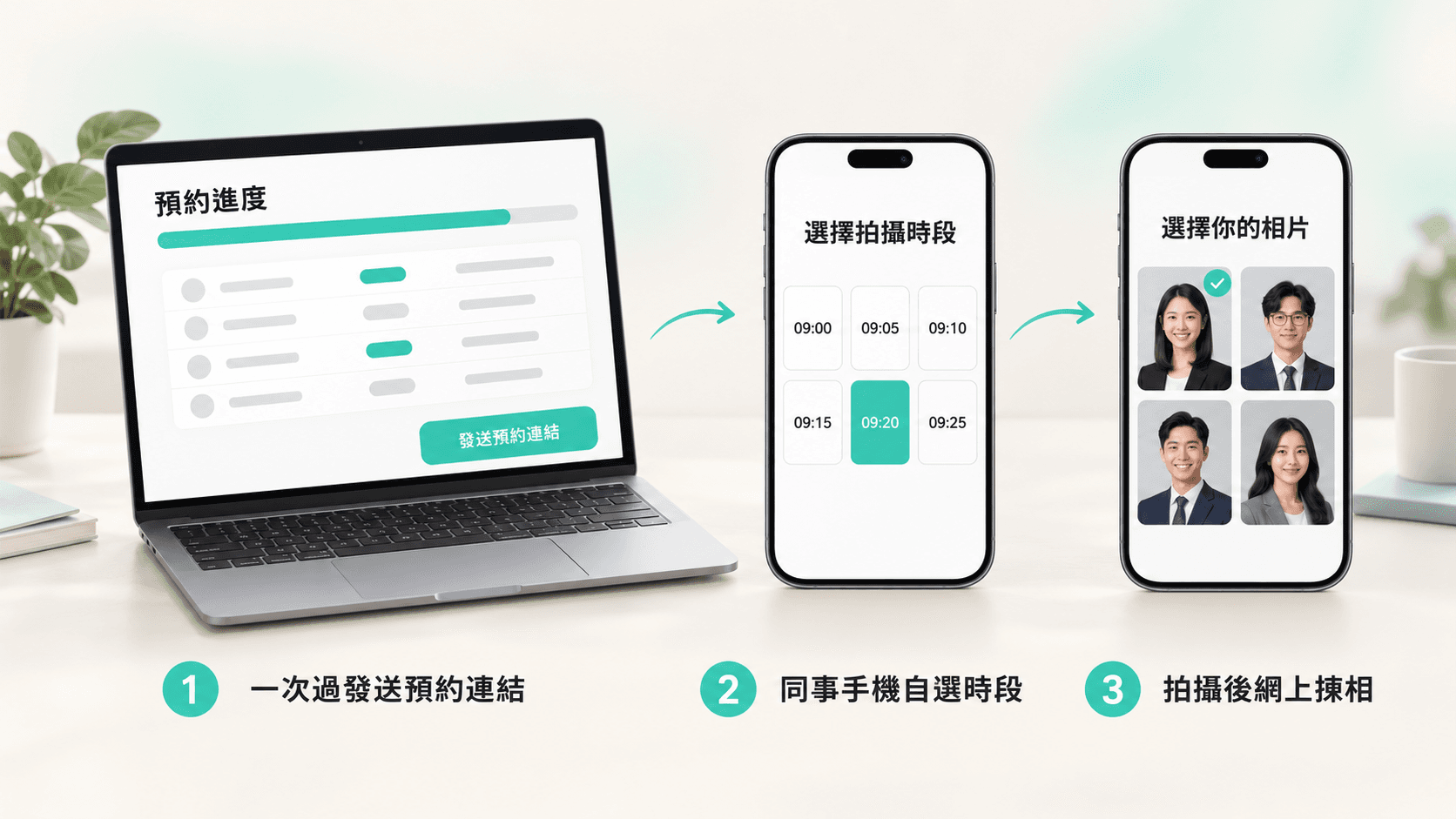
Staff Headshots for 100+ People: 6 Things HR Worries About
Disruption, notifying hundreds of colleagues, absences and matching photos to names: the six concerns HR raises most when planning staff headshots for a large company, and how each is handled.

Staff Headshots: Shoot at Your Office or Come to the Studio?
Small companies of five or six people often ask whether the photographer should come to them or the team should go to the studio. This guide compares the two by headcount, intended use, office space and staff time.

Before a Corporate Headshot Day: 7 Checks for HR and Admin
A practical HR and admin checklist covering intended use, headcount, venue, clothing, shooting order, retouching and delivery before a corporate staff-photo project.