Before a Sports Livestream: 7 Details Event Organisers Should Prepare
For a sports-event livestream, start with the event, date, venue, programme, expected viewers and known constraints. A full technical specification is not needed first; coverage, commentary, replay and post-event content are clarified for the actual event and confirmed proposal.
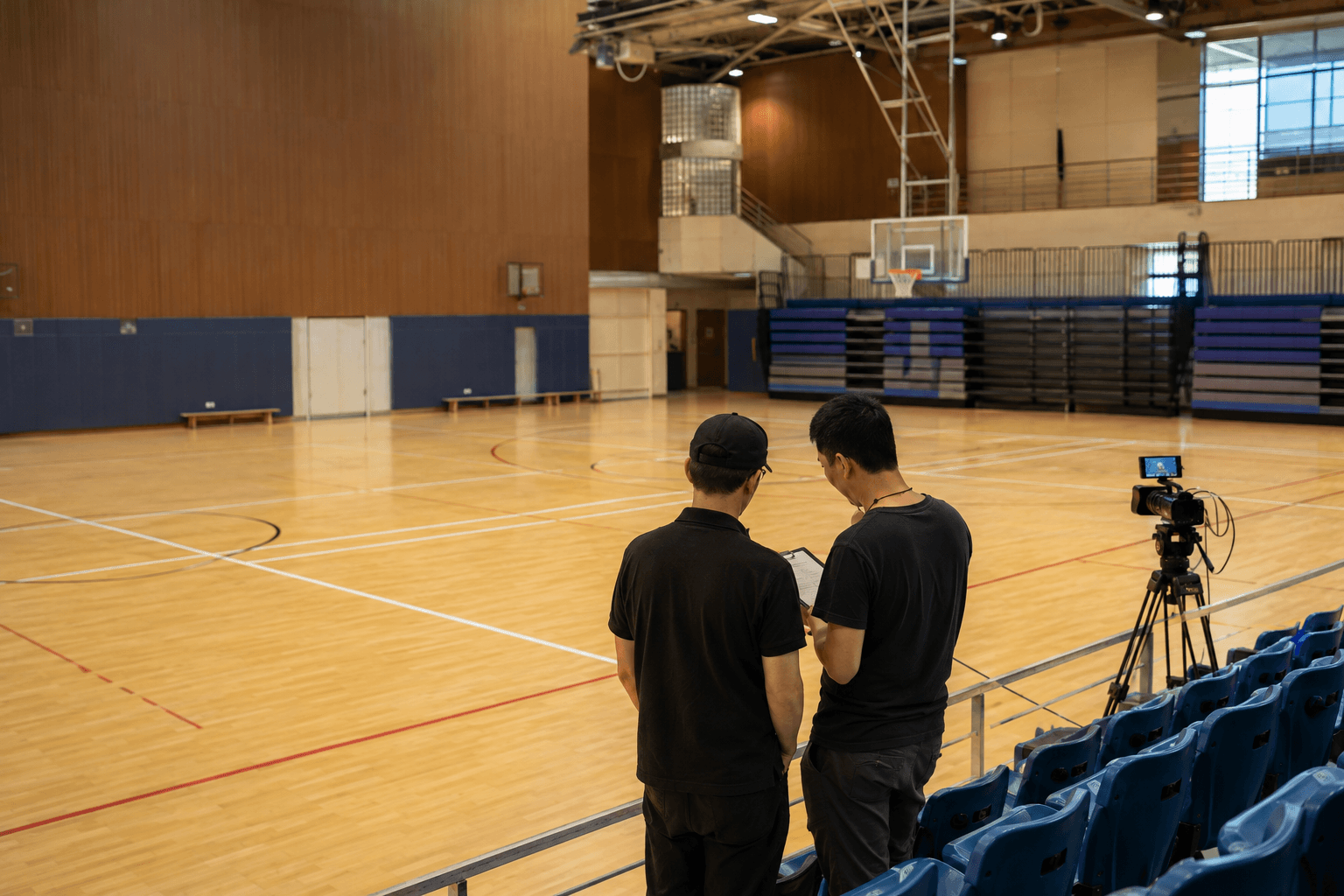
For a first league, tournament or club-event livestream, you do not need to begin with a list of equipment. Put the seven details below in one place so the organiser and production team can begin with the same known information.
This is not a fixed package or a quote. It is a way to prevent unconfirmed arrangements from being treated as included services.
1. Define the event
Share the sport, the event type and whether it is a single match, league, tournament or club activity. This shapes the on-site rhythm, the moments viewers care about and the points that need early confirmation.
2. Put the programme and key moments together
List the date, start and finish times, number of matches, plus openings, presentations or other key moments. A complete rundown is not essential; separate what is known from items still to be confirmed.
3. Share the venue and known constraints
Usable camera positions, audience areas, audio, power, network and access can all affect the approach. You do not need to solve them in advance—share the information you already have.
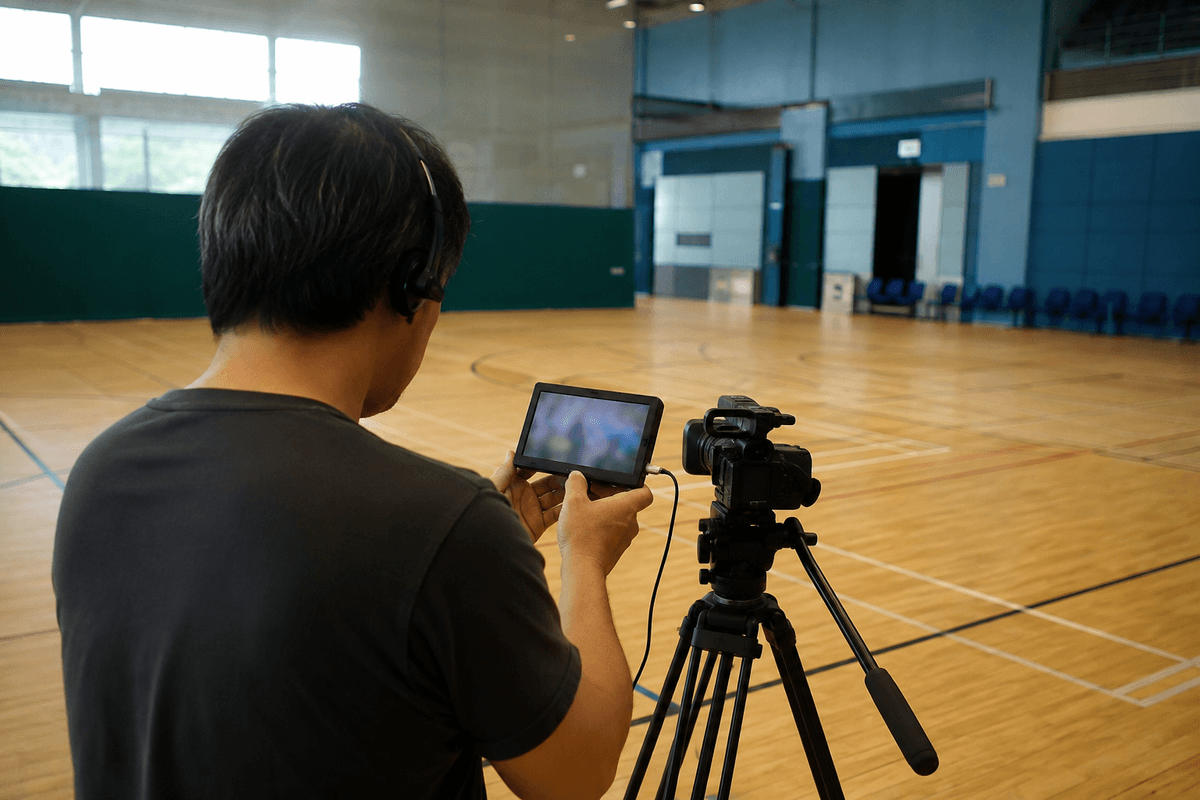
4. Who needs to watch live?
Consider whether the audience includes supporters who cannot attend, players’ families, members, sponsor-related stakeholders or viewers of an inter-school competition. Clarifying who needs access and how viewing information will be shared helps frame the right conversation.
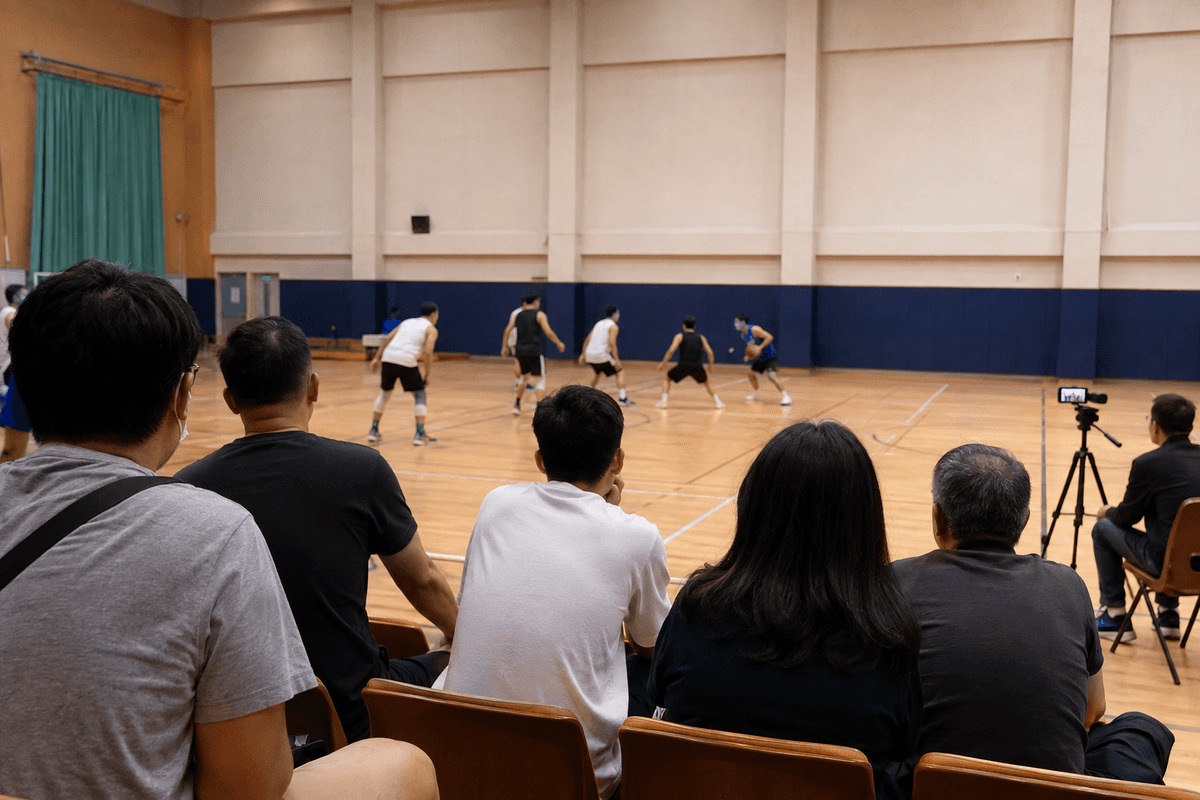
5. Which moments matter most?
Flag the parts of the event that need attention, such as the start, a key round, an award presentation or a guest address. Mention score information, event graphics, commentary or specific on-site audio needs at the outset if they matter.
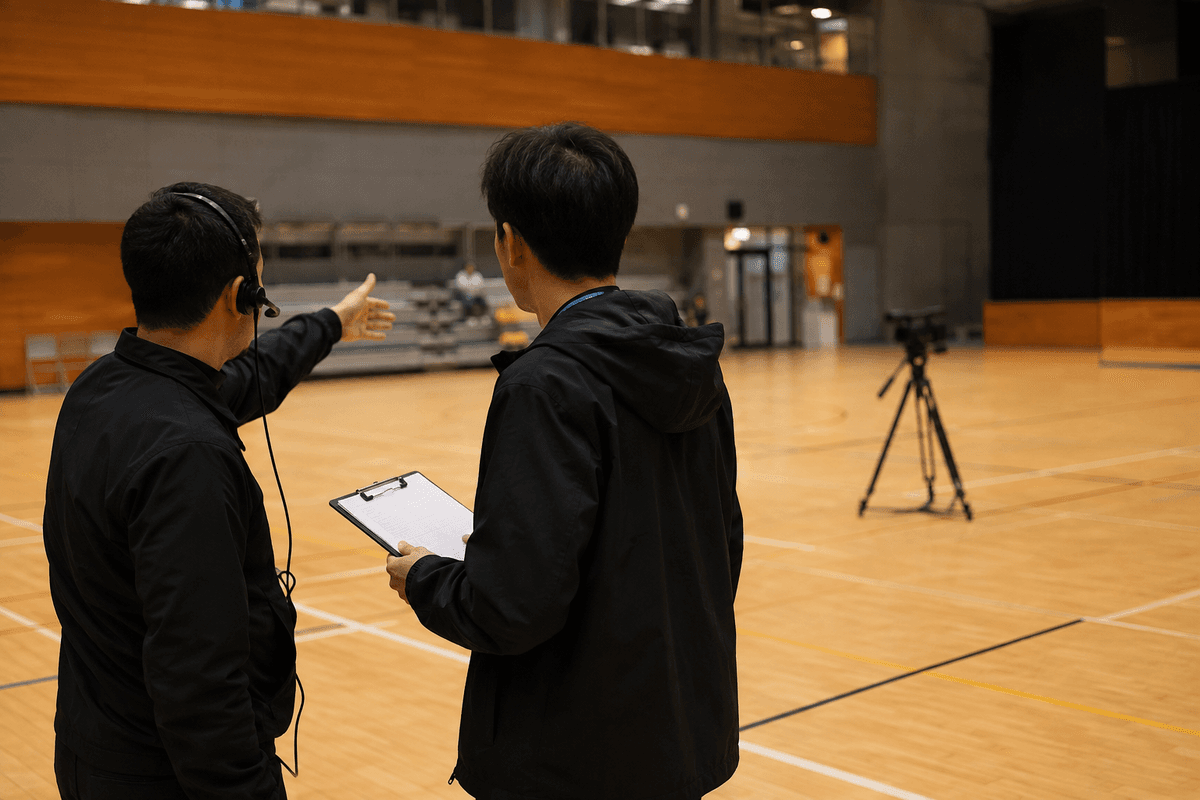
6. Who can confirm details on the day?
Venue, programme, officiating, team and organiser coordination often overlap on match day. Identify the people who can confirm the running order, usable positions and live updates so communication stays direct.
7. What should remain useful after the event?
If a full recording, replay clips, highlights or social content may be needed, say so from the beginning. Whether those items are included and how they are delivered still needs to be agreed in the confirmed project scope.
You can start without a complete brief
The sport, date, venue, programme or approximate timing, expected viewers and known constraints are enough for a first discussion. The rest can be clarified during planning.
For a school-arranged on-campus activity mainly for families and friends, see school event livestreaming. For a club, league, tournament or organiser-led sports event, see sports livestreaming.
Frequently asked questions
What is useful for a first sports-livestream enquiry?
Share the event type, date, venue, programme or approximate timing, expected viewers and any known constraints. A complete technical brief is not required to begin the discussion.
Can we begin before the complete running order is ready?
Yes. Separate the known timings from items still to be confirmed, then add detail as the event flow is finalised.
Should venue and network information be shared early?
Known camera positions, audience areas, audio, power, network and access arrangements are useful at the first discussion. The actual approach is clarified for the venue and confirmed proposal.
Can full recording or highlights be discussed from the start?
If replay, a full recording, highlights or social content may be useful, raise that at the first enquiry. Whether it is arranged and its scope are clarified in the confirmed proposal.
Have a first sports-livestream brief?
The sport, date, venue, programme or approximate timing, expected viewers and known constraints are enough to start the discussion.
You May Also Like
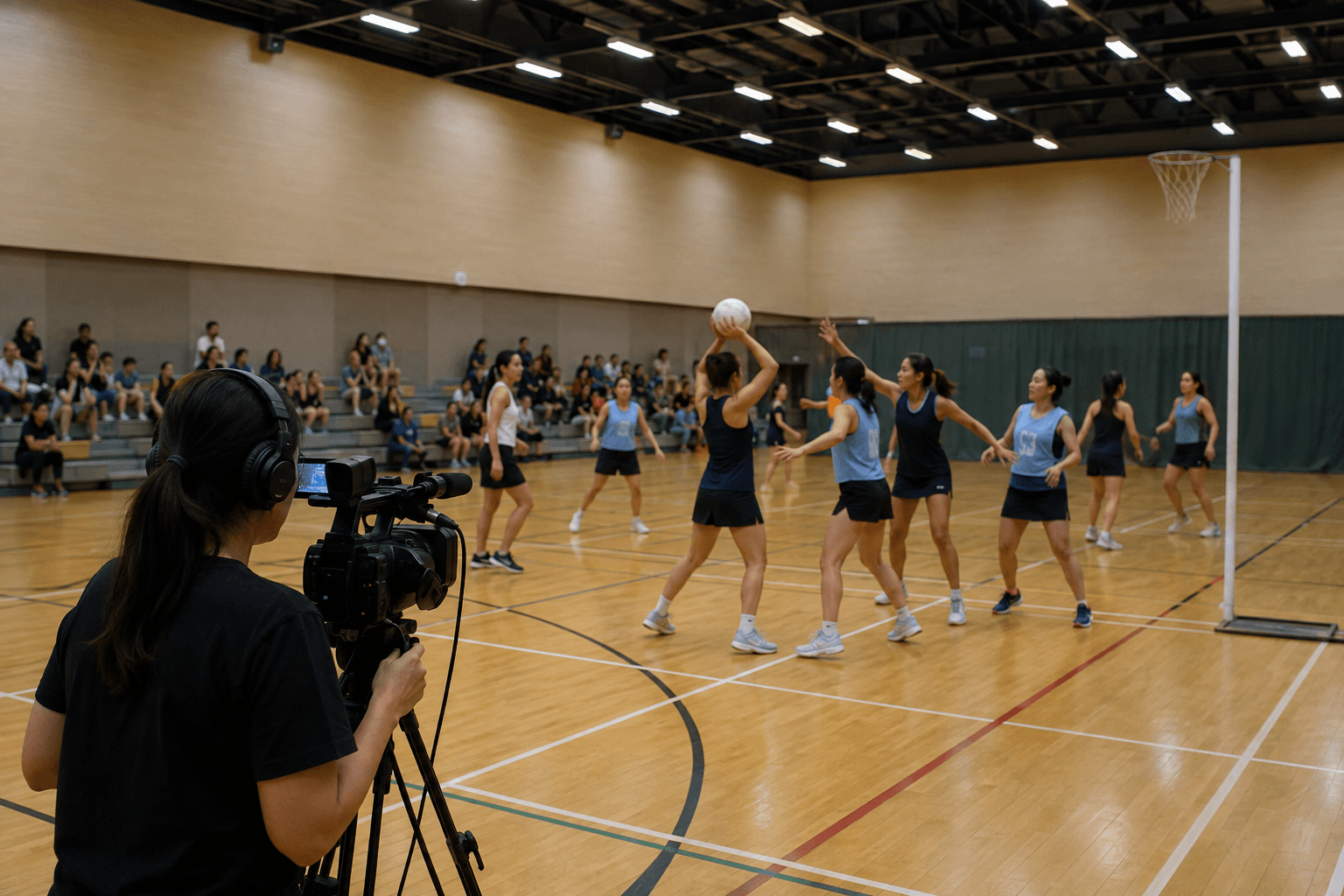
Livestream, Full Recording or Highlights? Four Questions for Sports Event Organisers
A livestream, full recording and highlights are not necessarily three separate choices. Start with live viewing, post-event replay and content use to plan a clearer sports-event direction.
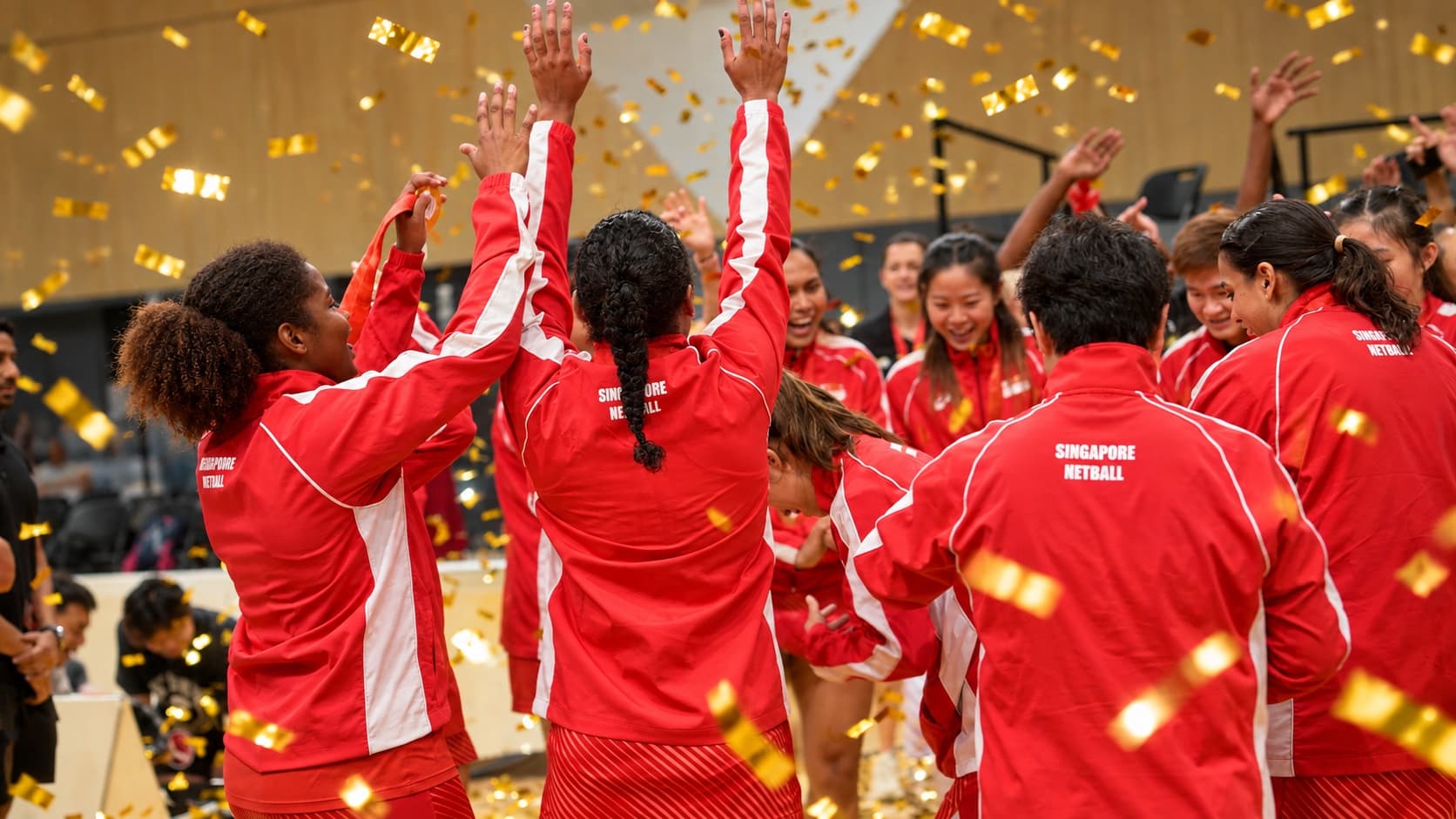
Beyond Match Coverage: How the Asian Netball Championships Livestream Created Lasting Value
A Hong Kong sports livestream case study showing how stronger production can improve the viewing experience, promote the sport and create reusable content for the organiser.